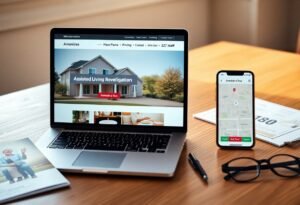
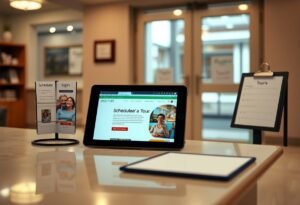
You can attract more qualified tour requests by using a professional website that showcases amenities, resident stories, virtual tours, easy contact and online scheduling. It also builds trust with SEO, responsive design, clear calls-to-action, and analytics so you refine your outreach and convert visitors into scheduled tours.
The Importance of a Website for Assisted Living Facilities
Establishing Credibility and Trust
Displaying license details, staff bios, third-party reviews, and clear contact options helps you build immediate trust; about 80% of families begin research online, and 4+ star reviews plus 20-50 testimonials often boost inquiry rates. Make licensure and inspection reports easy to find, include staff credentials and photos, and offer live chat or a direct booking button so visitors can schedule tours without friction. In one case, a mid-sized facility reported a 35% increase in tours after adding staff profiles and verified testimonials.
Showcasing Services and Amenities
High-quality photos, 360° virtual tours, and floor plans let you showcase daily life-meals, therapy gyms, and activity spaces-so families can visualize comfort and safety. List services like memory care, skilled nursing, rehab, and transport with clear pricing ranges; posting a weekly activities calendar and sample menus increases engagement. One facility added a virtual tour and transparent pricing and saw online inquiries rise 22% within three months, proving detailed listings drive more tour bookings.
Use structured data (schema.org) so your services and pricing appear in search snippets, increasing click-through rates by around 10%; you should also offer downloadable PDFs with floor plans and admission checklists for families to save. Prioritize mobile-optimized galleries and fast-loading 360° tours (Matterport or similar), and include clear CTAs like “Schedule a Tour” and “Check Bed Availability” to convert visits into bookings. Segment content for dementia care vs independent living so visitors find relevant amenities within two clicks.
Enhancing Online Visibility
Claim your Google Business Profile, keep NAP (name, address, phone) consistent across directories like Caring.com, AARP listings and SeniorAdvisor, and add schema markup so search engines surface your tours and photos. Use local keywords such as “assisted living near [city]” and maintain fast mobile pages – local searches often convert within a day – and a cleanup of citations and photos can noticeably increase calls and booked visits from nearby families.
Search Engine Optimization (SEO) Strategies
Optimize on-page elements: title tags, meta descriptions, H1s with city-specific phrases and long-tail queries like “memory care assisted living [neighborhood].” Implement LocalBusiness schema and encourage reviews (aim for 25+ quality reviews) to win the local pack. Build referral backlinks from hospitals, hospice agencies, and community centers, monitor Core Web Vitals for mobile, and track keyword-position and conversion metrics to prioritize pages that drive tour bookings.
Leveraging Social Media Platforms
Use Facebook and Nextdoor for hyperlocal reach, Instagram for short virtual tour reels, and LinkedIn to recruit referral partners; target adult-children caregivers (ages 45-64) and healthcare professionals with geo-targeted ads. Set up lead forms and Messenger booking buttons so you turn engagement into scheduled tours, and boost high-performing posts to extend reach within your service radius.
Post 3-4 times weekly with a mix of 60-90 second virtual tours, resident stories, staff spotlights and educational posts about costs and care levels. Promote top posts with modest budgets ($50-200/week) and retarget visitors with short testimonial videos. Track UTM-tagged links and aim to convert organic social into 5-15 tour leads monthly, adjusting creative and audience segments based on CPL and engagement rates.
Streamlined Communication with Prospective Residents
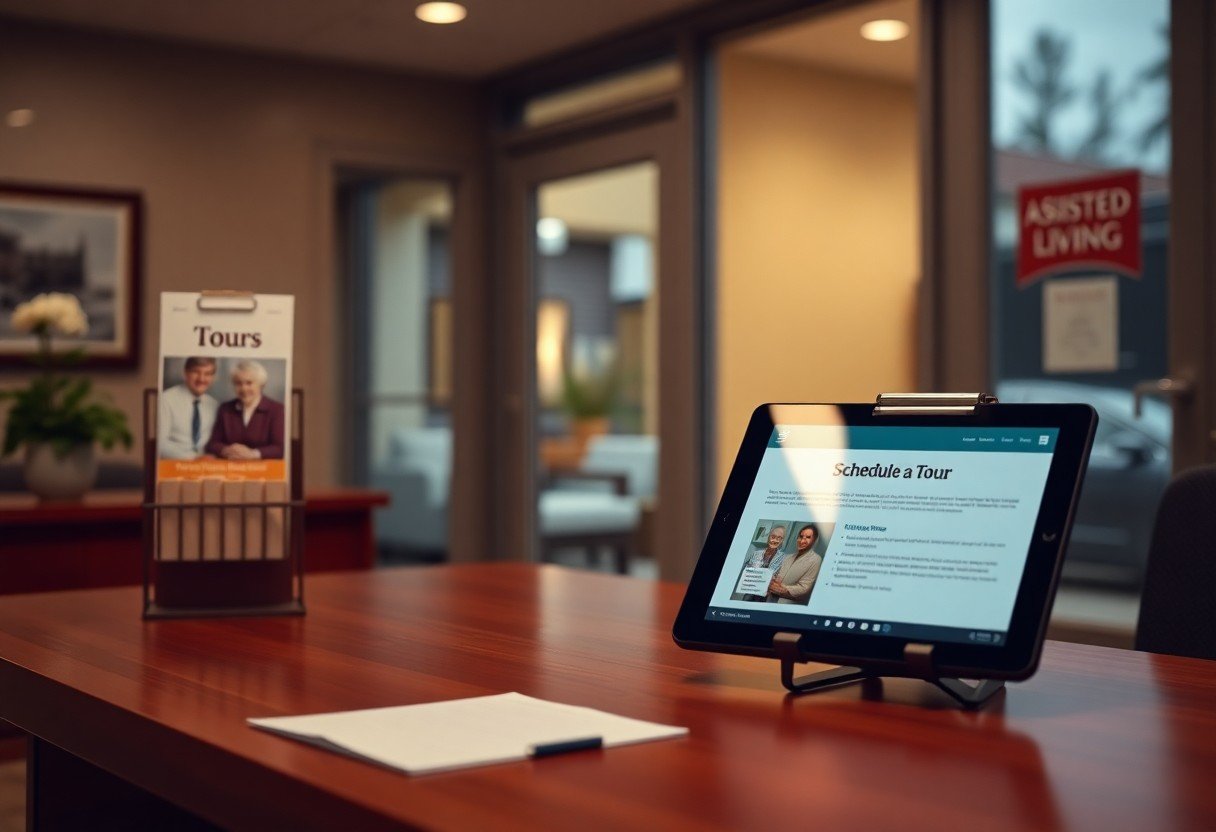
You centralize inquiries through your website to shorten response times and increase tour bookings: online forms, click-to-call, SMS scheduling, and live chat funnel into one CRM so staff can respond within an hour-response times under 60 minutes can boost conversion substantially. Automated confirmations and calendar links eliminate back-and-forth, while SMS reminders and follow-up sequences reduce no-shows and turn casual interest into scheduled visits.
Inquiry Forms and Live Chat Features
You should use smart inquiry forms with conditional logic (care level, budget, preferred move-in date) and required fields to qualify leads instantly, routing them to the right admissions staff. Live chat-staffed during business hours and backed by a chatbot off-hours-captures urgent questions; facilities that add live chat commonly see 20-35% more tour requests and faster first responses under two minutes.
Providing Informative Resources and Guides
You provide downloadable guides-pricing calculators, memory-care checklists, a 10-15 page “Moving to Assisted Living” PDF-and gate them for contact details to nurture prospects. Long-form articles (1,500+ words) and downloadable checklists improve SEO and lead capture; a community that published a comprehensive moving guide reported a noticeable increase in scheduled tours within three months.
You can expand that approach by creating a content calendar: produce 3-5 assets (detailed guide, pricing sheet, sample care plan, virtual-tour video) over six months, optimize each for target keywords and FAQ schema, and gate the most valuable pieces for email capture. Then run a 3-5 message drip (day 0, day 3, day 10) with clear CTAs to schedule a tour, track UTM-tagged downloads and download-to-tour conversion in your analytics, and iterate titles, CTAs, and formats (PDF, video, interactive calculator) based on which content drives the highest bookings.
Virtual Tours and Showcases
Virtual tours and interactive showcases help you turn online interest into booked visits by letting prospects explore layouts, common spaces, and sample daily life before they call. Interactive floor plans, 360° walkthroughs, and staged-room galleries can increase tour bookings by an estimated 20-40% in facilities that track both clicks and conversions, while reducing time-to-decision for families juggling multiple options.
The Role of Videos and Virtual Reality
When you integrate 90-180 second video tours and optional VR walkthroughs, you highlight staff interactions, dining, and programming in motion, which builds trust faster than photos alone. You can stream narrated tours for remote decision-makers and offer headset demos at events; facilities using short guided videos typically see higher time-on-page and a measurable uptick in inquiry rates.
Importance of High-Quality Imagery
High-resolution, professionally lit photos make your community feel tangible online, so you should include 10-20 images covering exterior, common areas, private suites, and activity snapshots to answer visual questions before a call. You’ll convert more visitors when images are consistent, well-composed, and show people engaged in everyday moments.
Technically, optimize images for web delivery by exporting at 1600-2000 px wide and compressing to 150-300 KB with modern formats like WebP; add descriptive alt text and short captions to support SEO and accessibility. You should schedule shoots for golden-hour exteriors, use HDR to balance interior windows, and consider virtual staging or rotating seasonal galleries to keep your listings fresh and persuasive.
Gathering Testimonials and Reviews
You should prioritize collecting and showcasing resident and family testimonials across your site and third-party profiles; BrightLocal found 79% of consumers trust online reviews as much as personal recommendations. Use a mix of short quotes, 45-90 second video clips, and a Google Reviews widget on your homepage. For example, a 120-bed facility reported a 25% increase in tour requests after publishing five video testimonials and linking to its Caring.com profile.
Building Social Proof
Embed star ratings, aggregate review counts, and third-party badges from Caring.com, A Place for Mom, and Google to signal credibility instantly. You should display an average rating prominently near CTAs and include at least three short quotes on tour pages. Practice shows that prospects are more likely to request tours when they see 4+ stars plus 20+ reviews, so plan campaigns to reach those thresholds within 60-90 days.
Encouraging Feedback from Residents and Families
Make leaving feedback effortless by offering tablets at reception, QR-coded postcards, and one-click email surveys with a 1-5 star option and optional comment box. You should train staff to request reviews within 48 hours of a positive interaction and set a target-such as 20 new reviews in the first month after a campaign-to build momentum and improve local search visibility.
You can boost response rates by scripting staff asks: a simple line like, “If you were pleased with the tour, would you share one sentence on Google?” works well. Then follow up with an automated email containing a direct review link, a sample 30-second testimonial prompt, and a consent checkbox for publishing; combining human asks with automated nudges typically raises review conversion by 2-3×.
Summing up
Upon reflecting, your website acts as a 24/7 front door that builds trust, highlights services and resident life, streamlines inquiries and bookings, and showcases testimonials and virtual tours to convert visitors into scheduled tours. By optimizing design, SEO, clear calls-to-action, and mobile performance, you increase visibility and make it easy for families to evaluate options and request a tour.