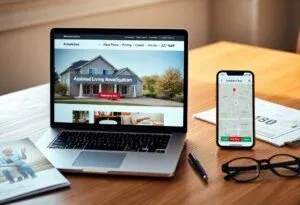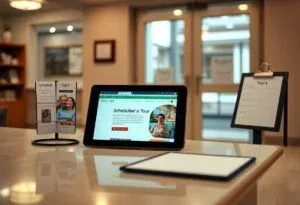
Assisted living facilities that lack a website lose visibility, trust and qualified inquiries, leaving you reliant on word-of-mouth and outdated channels. Without a professional online presence, your occupancy, referral partnerships, and reputation suffer, increasing marketing costs and limiting growth. This post explains the measurable financial and operational risks you face and what to do about them.
The Importance of Online Presence
With over two-thirds of adults 65+ online and Google handling more than 2 trillion searches yearly, your facility without a website effectively disappears from the path families follow. You lose control of the first impression, meaning competitors with clear service pages, pricing cues, virtual tours, and up-to-date reviews capture inquiries and referrals that would otherwise come to you.
Building Credibility and Trust
Show licensing, staff bios with credentials, sample menus, activity calendars, and transparent pricing to shorten decision time for adult children. You should publish recent testimonials and respond to reviews within 48 hours; agencies and families often weigh up-to-date photos and staff information when narrowing choices, and these elements reduce no-shows for tours while increasing trust before a phone call.
Enhancing Visibility and Accessibility
Optimize for local search terms like “assisted living [city]” and maintain an accurate Google Business Profile so families find you on mobile – over 60% of older adults now own smartphones and use them for research. You must ensure pages load fast, include click-to-call buttons, and follow basic WCAG accessibility so both seniors and caregivers can access information anytime.
Practical steps that boost visibility include claiming and optimizing your Google Business Profile, creating separate pages for memory care, respite care, and amenities, and adding schema markup for address, phone, and services. Aim for page load under 3 seconds, implement click-to-call and online booking, embed a virtual tour, and track inquiries with Google Analytics plus call-tracking; facilities that target these items typically see measurable increases in qualified tour requests and higher conversion from web visits to scheduled tours.
Consequences of Not Having a Website
Without a website, you become effectively invisible to families who begin their search online; Google handles over 3 billion searches daily and many are local queries for senior care. That invisibility reduces referrals from hospitals and discharge planners, hands prospects to competitors with clear pricing and virtual tours, and shrinks your pipeline. For example, a single missed move‑in at an average $3,000 monthly rate can cost you thousands a year, and several missed inquiries compound into a significant revenue shortfall.
Loss of Potential Clients
Families typically contact 3-5 facilities when researching care, and if you don’t appear in search results or provide basic online info, you won’t be among those contacted. This gap turns into fewer touring appointments, lower occupancy, and wasted marketing spend. When you add a simple site plus local SEO, many facilities see double‑digit increases in qualified inquiries within months, proving visibility directly feeds move‑ins.
Negative Impact on Brand Image
Not having a website lets third‑party listings and unverified reviews shape your reputation, making you look outdated or unprofessional compared with homes that publish staff bios, menus, and inspection summaries. You lose the chance to highlight unique services-memory care programs, nurse staffing ratios, or specialized therapies-which weakens referral momentum from case managers and eldercare advisors.
Since over 80% of families consult online reviews and facility websites before visiting, your official site is the place to present inspection reports, staff credentials, pricing transparency, and virtual tours that build trust. By posting accurate photos, video tours, and resident testimonials you counter misinformation, improve engagement, and increase the likelihood that hospital discharge planners and family decision‑makers will recommend your community.
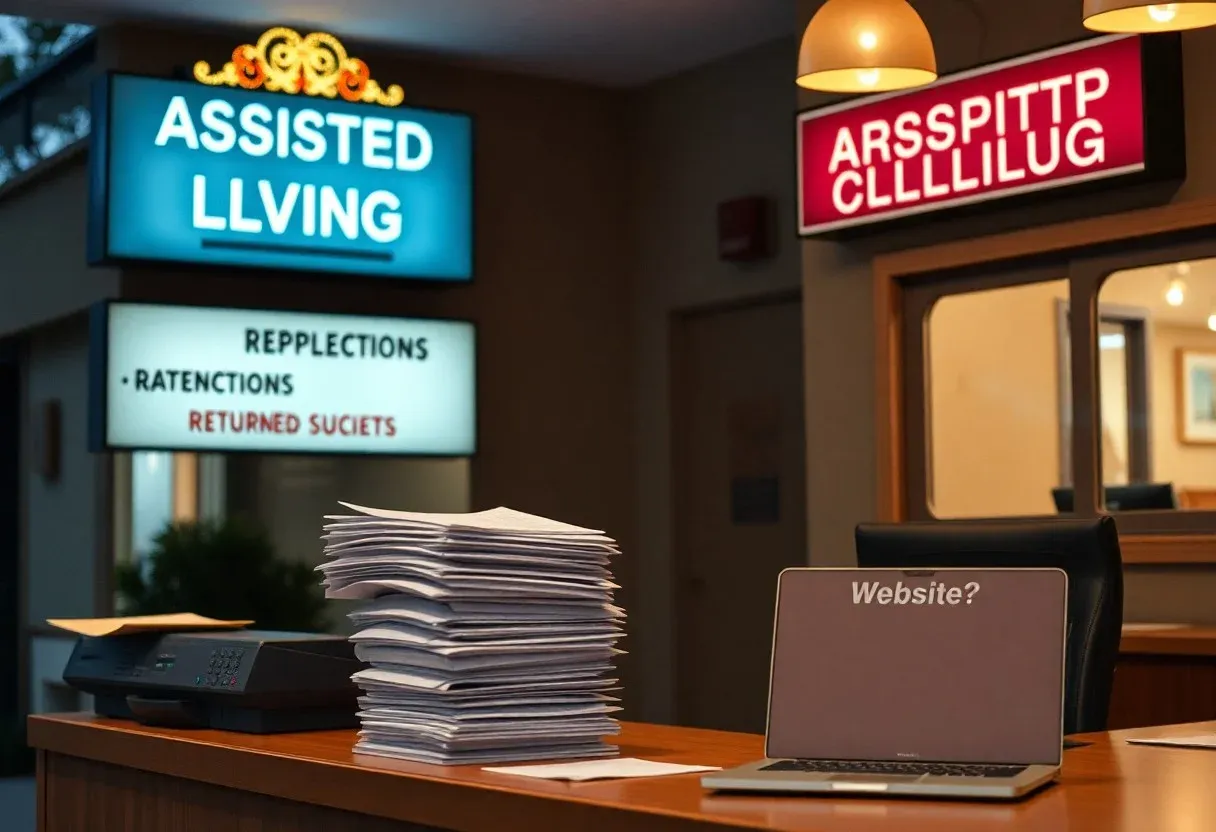
Key Features of an Effective Website
You want a website that converts visitors into tours and inquiries, so prioritize fast load times (under 3 seconds), mobile-first layouts, clear contact CTAs, and credible content like staff bios and licensing. Use LocalBusiness schema, HTTPS/SSL, and WCAG 2.1 AA accessibility to improve discoverability and trust; 53% of mobile visitors abandon pages that load slowly, so performance matters as much as copy. Optimize for search terms families use when searching for assisted living in your city to drive qualified traffic.
- Mobile-responsive design with touch targets ≥44px and readable text (16px+ body) for older users
- Fast performance: aim for under 3s load and 90+ Lighthouse scores where possible
- Clear contact options: click-to-call, visible phone/email, and a short online inquiry form
- Virtual tours and high-quality photos (optimized JPEG/WebP under 200-500 KB each)
- Staff bios and credentials, including nurse/administrator qualifications and years of experience
- Transparent pricing or fee ranges and descriptions of included services and additional costs
- Online scheduling and intake forms with TLS encryption; HIPAA-aware handling for health data
- Testimonials, third-party reviews, and accreditation badges to build social proof
- Essential resources: downloadable PDFs (brochures, menus, sample care plans) under 2 MB
- SEO basics: LocalBusiness schema, meta descriptions, keyworded service pages, and Google Maps embed
- Accessibility: WCAG 2.1 AA compliance, keyboard navigation, alt text, and sufficient contrast ratios
- Blog or education center with topics like care levels, costs, and family checklists to capture long-tail search traffic
Recognizing and implementing these elements reduces friction for older adults and caregivers, boosts search visibility, and increases the likelihood that a browser becomes a visit.
User-Friendly Design
You should use a simple navigation structure (3-5 top-level items), large readable type, predictable page layouts, and prominent CTAs so visitors find answers in seconds; test with real users aged 65+ and aim for a 2-3 click path to key actions like “Schedule a Tour.” Prioritize touch-friendly controls, high-contrast palettes, and concise copy to lower cognitive load and improve conversion rates.
Essential Information and Resources
You must publish clear specifics: services offered, staffing ratios, licensing numbers, sample monthly fees or pricing tiers, and an admissions checklist so families can assess fit quickly; include a visible contact point for financial or clinical questions to shorten decision cycles.
Provide downloadable brochures, sample menus, activity calendars, floor plans, and an FAQ that addresses common concerns (medication management, dementia care, insurance acceptance). Use structured data for FAQs, include a secure online inquiry and pre-admission form (encrypt submissions and limit health fields to HIPAA-safe collection), and link to inspection reports or licensing verification to reinforce transparency.
Search Engine Optimization (SEO) for Assisted Living Facilities
If your facility isn’t optimized, you miss residents searching for nearby care right now; organic search drives long-term, cost-effective leads with the top organic result averaging ~28% CTR. You should focus on targeted landing pages, local signals, and measurable goals like organic calls and form submissions. Facilities that optimize for search often see steady monthly increases in qualified leads versus those relying solely on referrals or paid ads.
Understanding Local SEO
You need a complete Google Business Profile (accurate NAP, categories, photos, hours) because 50% of local mobile searches lead to a store visit within a day. Consistent citations on directories, prompt review responses, and local schema markups push you into the Maps pack for queries like “assisted living near me” and “memory care in [city].” Proximity, relevance, and review volume determine who appears in the top three local listings.
Strategies for Higher Search Rankings
You should prioritize fast, mobile-first pages (53% of mobile users abandon sites taking over 3 seconds), service-specific pages (memory care, respite, dementia support), and geo-targeted content for neighborhoods you serve. Technical SEO-XML sitemap, HTTPS, structured data for reviews and services-plus local backlinks from hospitals or senior directories (Caring.com, A Place for Mom) builds authority and visibility.
For example, create dedicated pages titled “memory care in [City]” with staff bios, floor plans, and a virtual tour; target long-tail keywords like “24-hour dementia care [County]” and earn links by partnering with discharge planners and local health systems. Track Google Search Console impressions, local pack rankings, organic calls, and conversion rate; iteratively test title tags, schema types (LocalBusiness, Review), and review acquisition to move into the top local results.
Cost-Effective Solutions for Creating a Website
You can get a functional assisted living website without breaking the bank by matching scope to budget: DIY builders often cost $12-$40/month, self-hosted WordPress runs $3-$15/month plus a theme, freelancers commonly charge $500-$3,500 for a small site, and small agencies typically start around $2,000. For instance, a template-based site with contact forms and a virtual tour can be launched in a weekend, while a branded agency build takes 4-8 weeks but adds strategy and ongoing support.
DIY Website Builders
Platforms like Wix, Squarespace and WordPress.com let you launch quickly with drag-and-drop editors, built-in hosting and templates, often for $12-$40/month; you can add booking widgets, Google Maps, and basic SEO in hours. If you handle content and updates, your outlay is minimal, though advanced features, ADA audits or custom integrations may require paid plugins or occasional developer help, typically $50-150/hour.
Hiring Professionals vs. Freelancers
Freelancers tend to offer lower hourly rates ($25-$100/hr) and fast turnaround for brochure-style sites, while agencies charge more upfront ($2,000-$15,000) but include project management, branding, and maintenance plans. You should weigh reliability and scope: a freelancer can build a simple site in 1-2 weeks, but an agency provides multi-channel strategy, analytics setup, and SLAs that support long-term growth and compliance needs.
Digging deeper, consider ongoing costs and compliance: agencies often bundle monthly maintenance ($100-$500/mo), security patches, and WCAG accessibility audits (roughly $500-$2,000) which freelancers may not offer. You can mitigate risk by asking for prior case studies-one 45-bed facility that invested $5,000 in a redesigned site reported doubled qualified inquiries within three months-so request references, clear deliverables, and a plan for SEO and analytics before signing.
Leveraging Social Media for Enhanced Outreach
Building Community Engagement
You should post 3-5 times weekly and run one monthly live event (Q&A, virtual tour) to keep families and referral partners engaged. Share resident stories, caregiver spotlights, and local partnerships to boost authenticity. Aim for a 2-5% engagement rate as a benchmark, respond to comments within 24 hours, and create a private Facebook group for caregivers to foster ongoing conversation and referrals.
Integrating Social Media with Website
Embed social feeds and add prominent social CTAs like “Book a Tour” or “Join Our Live” to turn followers into leads. Use the Facebook Pixel and UTM parameters (utm_source=facebook&utm_medium=social&utm_campaign=spring-tour) to track conversions, sync events with Google Analytics goals, and enable retargeting for visitors who viewed pricing or spent 30+ seconds on key pages.
Also implement Open Graph and Twitter Card tags (1200×630 preview image) so shared pages display correctly, and place share buttons on blog posts and event pages to increase reach. A/B test CTA copy and button placement; for example, try “Schedule a Tour” versus “See Our Community” to measure lift, and export conversion funnels monthly to refine messaging and ad spend.
To wrap up
Taking this into account, not having a website for your assisted living facility leaves you invisible to families searching online, erodes trust, hands prospects to competitors, increases advertising costs, and makes it harder to share imperative information and manage admissions, ultimately reducing occupancy and revenue while limiting your ability to demonstrate quality care and communicate with residents’ families.